Understanding before speed
Children see what a note, a fact or a word means before they’re asked to be quick.
Pictures first in Multiplication. A meaning, a sound and an example for every word.


 Practice apps for ages 4 to 18
Calm, focused practice for children: vocabulary, multiplication and piano sight reading. A few minutes a day, one family account for all of it.
Vocabulary
Much, much bigger than usual.
“The blue whale is an enormous animal.”
Multiplication
7×8=56
7 groups of 8Piano Sight Reading

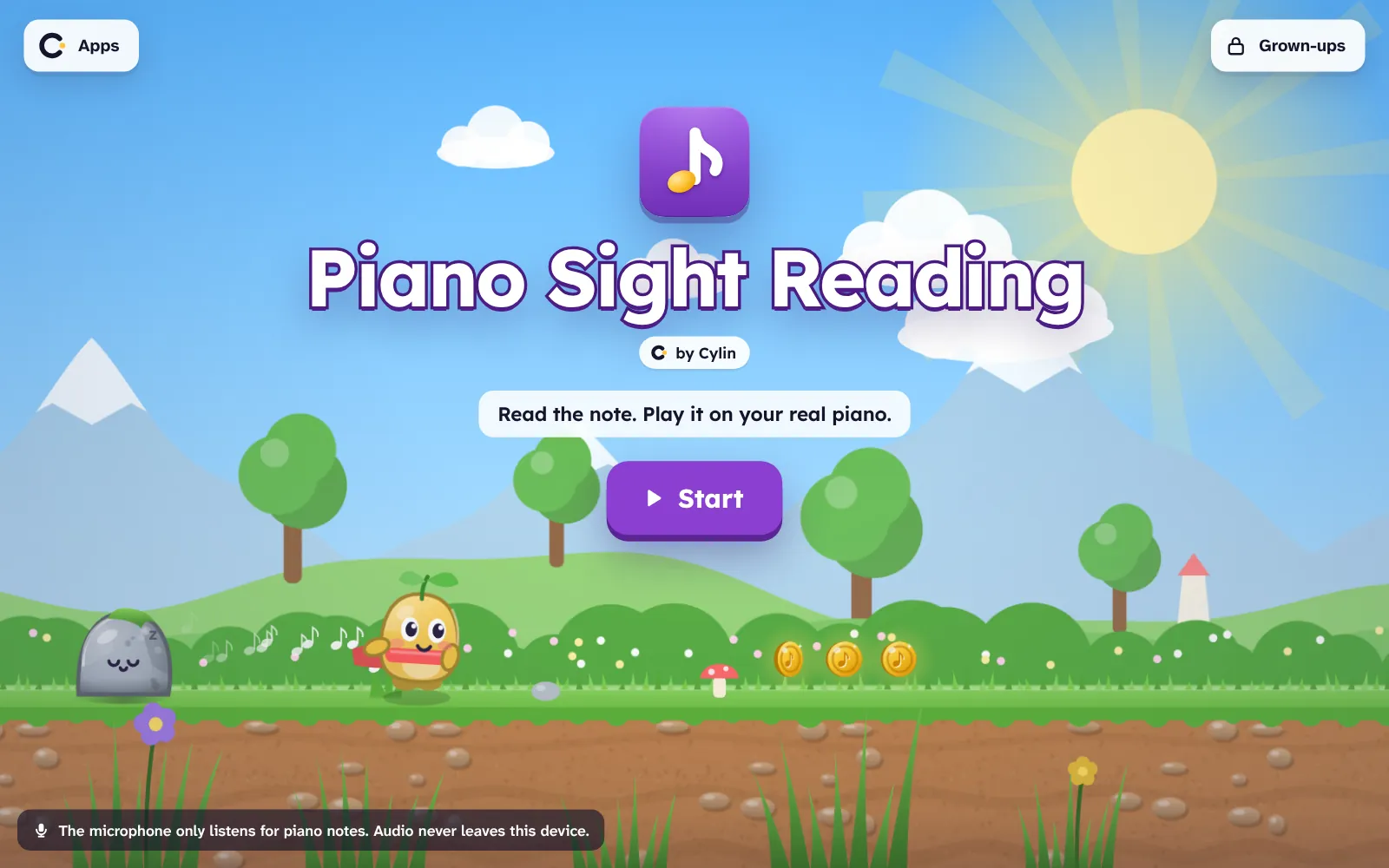
Middle C. Play it on your own piano and the app hears it.
Each app teaches one thing, carefully. They share a family account, a look and a way of being kind about mistakes.

 by Cylin
A daily word journey that grows with your child, from first words to SAT.
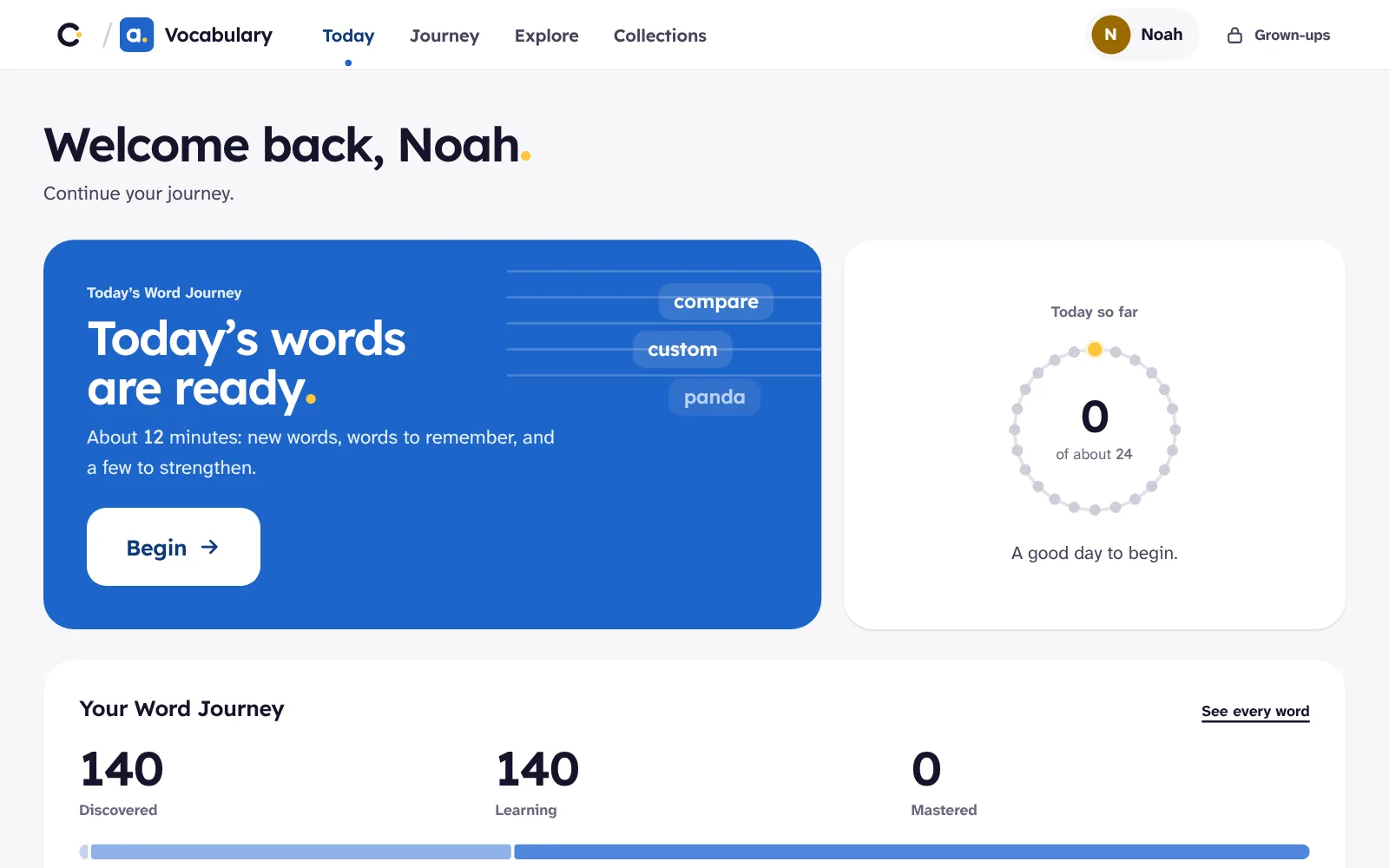
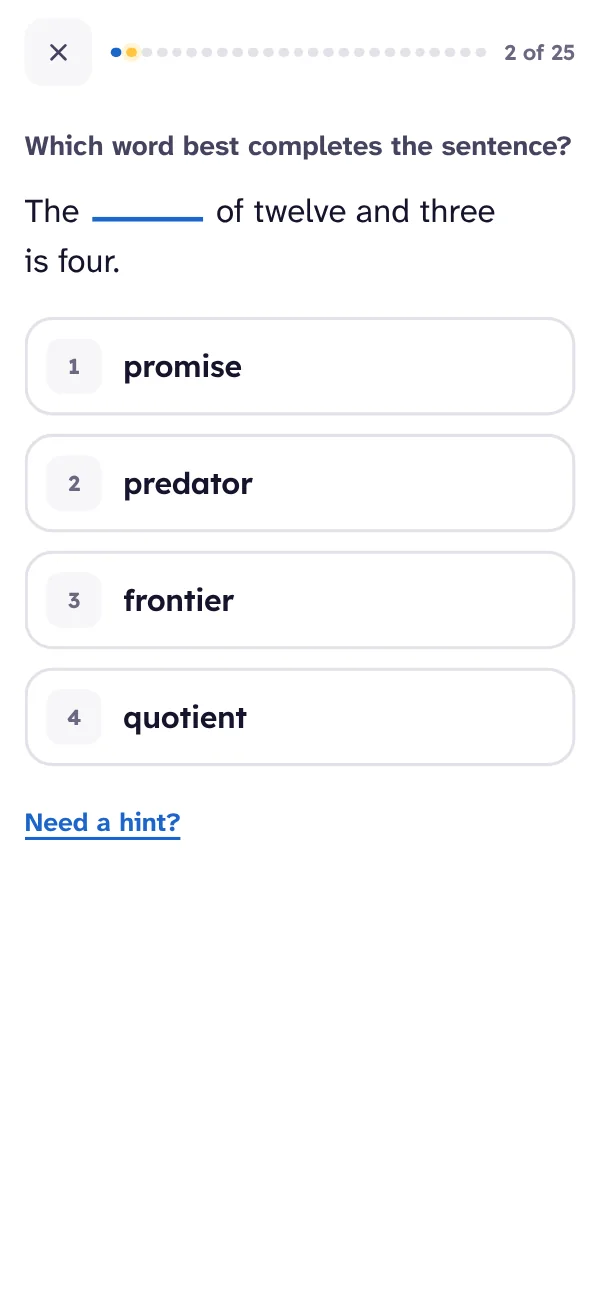
 by Cylin
Times tables that make sense first, then stick.
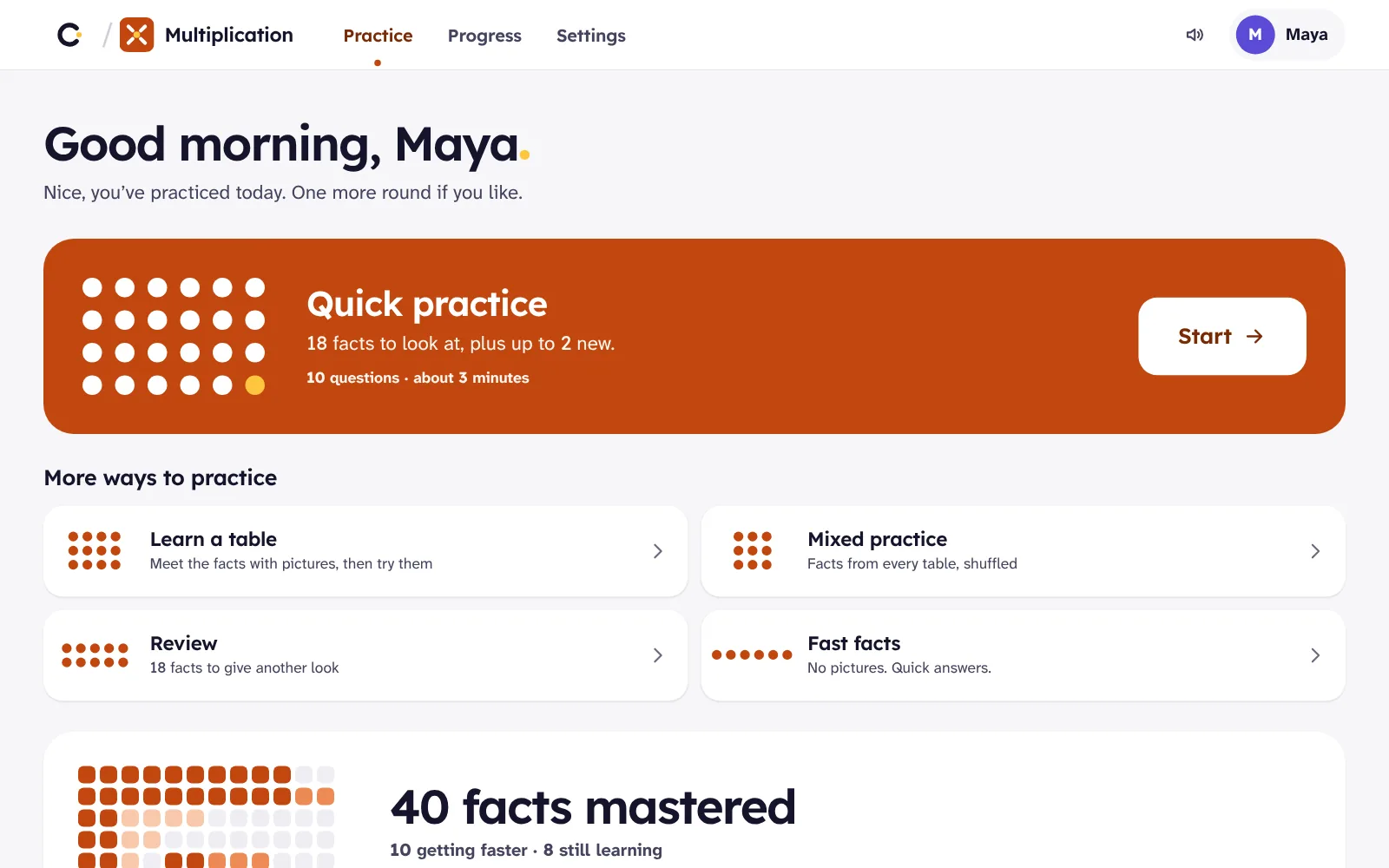
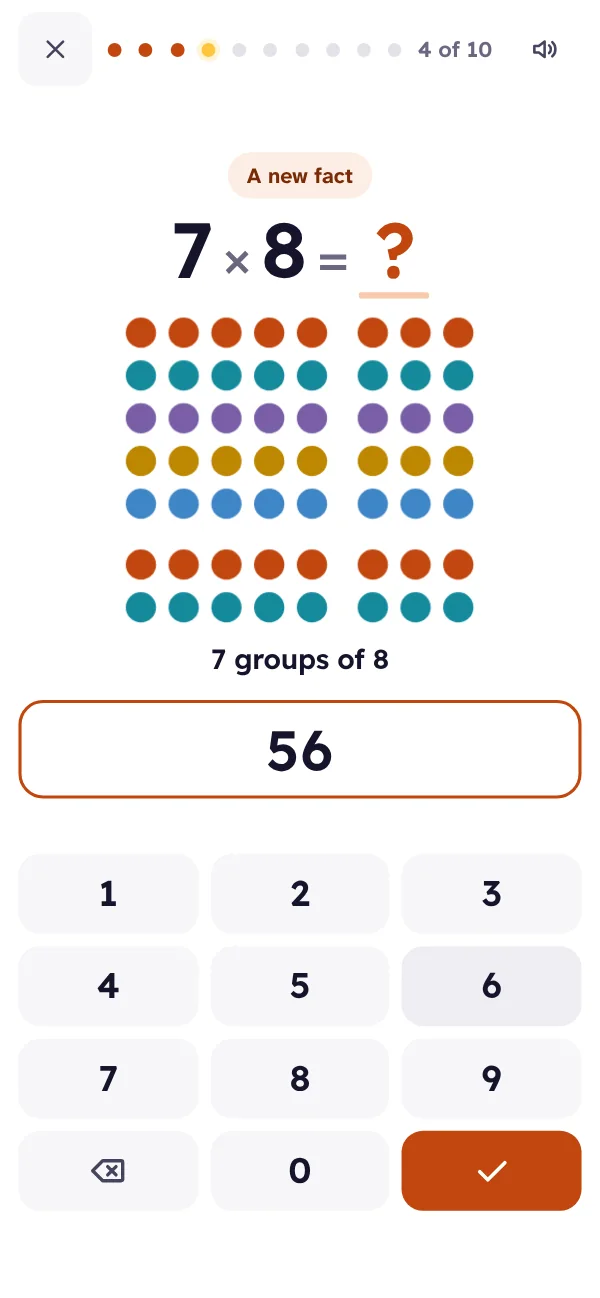

 by Cylin
Your piano becomes the game controller.
Add each child once, with a first name or nickname and a colour. Children never need an email or a password.
On any computer or tablet where you’re signed in, each child taps their name in any Cylin app.
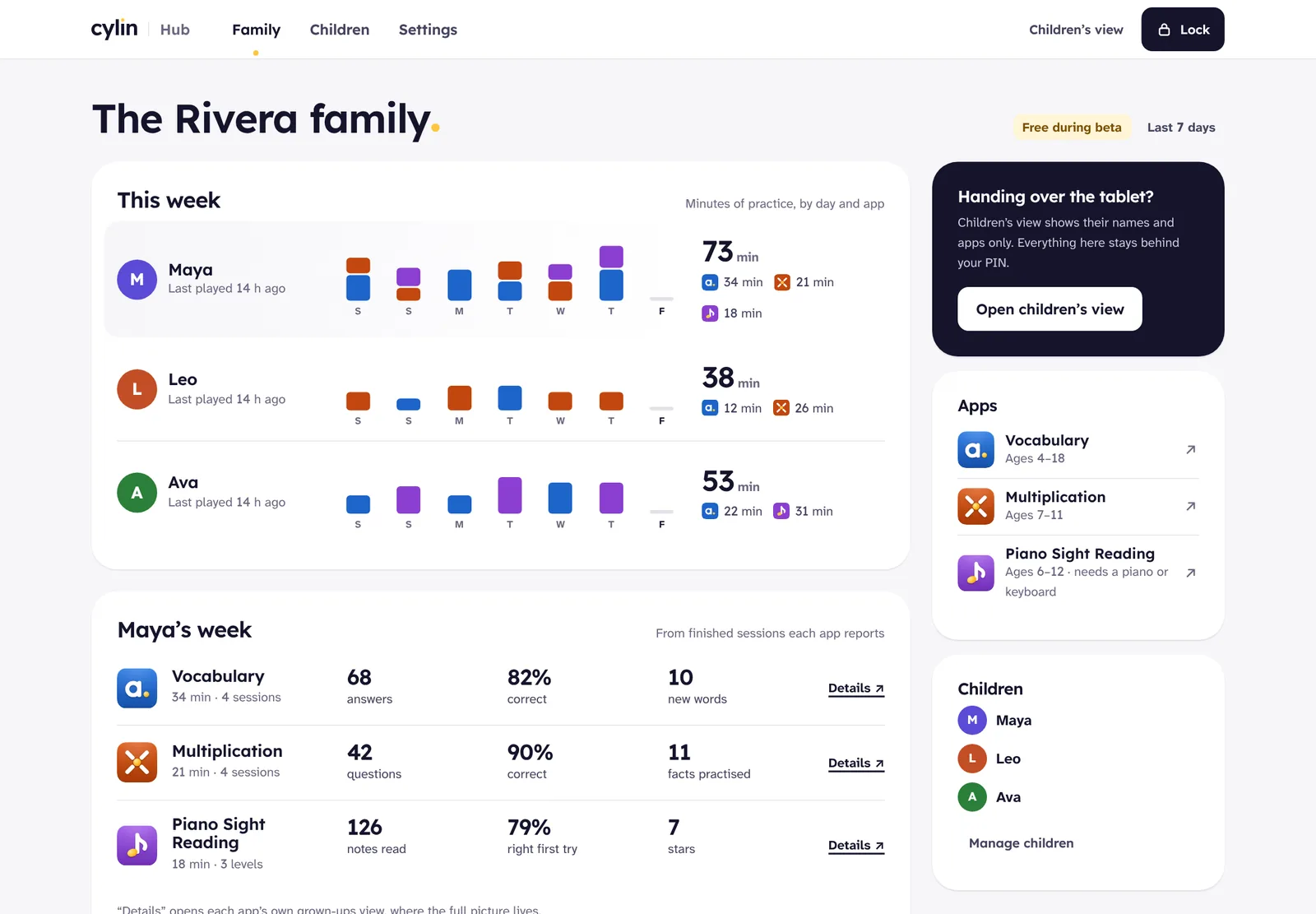
Minutes practised, by child and by app. Progress follows them from the laptop to the tablet.
Six rules that come from how memory and motivation work, not from what keeps a child on a screen longest.
Children see what a note, a fact or a word means before they’re asked to be quick.
Pictures first in Multiplication. A meaning, a sound and an example for every word.
Sessions are sized so a child finishes wanting one more, not needing a break.
A piano level: 2–4 minutes. A multiplication session: about 3.
Every note, fact and word is tracked on its own, and the ones that need it come back sooner.
Spaced review, mixed practice and contrast pairs.
Hints appear when a child is stuck and step back as they improve.
Letter names, keyboard diagrams and dot pictures fade on their own.
No buzzers, no red crosses, no lost streaks. Feedback says what happened and what to try.
“Not quite. 10 × 6 is 60. That’s a useful one to see.”
Stickers, hats for Pip and a filling progress grid celebrate real learning.
Nothing is for sale inside the apps.
Cylin Hub is your family’s home: every child, every app, one week at a glance.
Something else? Email support@cylin.app.
Create a family account at hub.cylin.app and add your children. On any tablet or computer where you’re signed in, they open any Cylin app and pick their name. They never need their own accounts or passwords.
All three run in a current browser on a computer or tablet: Chrome, Edge, Safari and Firefox. Vocabulary and Multiplication also work well on phones. USB MIDI in Piano Sight Reading needs Chrome or Edge.
Any acoustic or digital piano or keyboard works, heard through the device’s microphone. No piano nearby? The computer keyboard works as one too.
Yes. Each child has their own name, colour and progress in every app.
Only what the apps need: your email for the family account, your children’s first names or nicknames, and their progress and practice time, plus simple records of what happened in an app (a lesson finished, an error) that we use to fix problems. No ads, and nothing goes to third-party trackers.
Yes. Vocabulary was Lexcursion, Multiplication was Dotwise and Piano Sight Reading was Keybound. Same apps, same addresses, and your children’s progress is all still there.
Create a family account, add your children and open any app. Free while we’re in beta, no card needed.